


Monitoring & Reporting
Full transparency for
better decisions
Combine real-time monitoring with historical analysis to enable proactive decision-making.
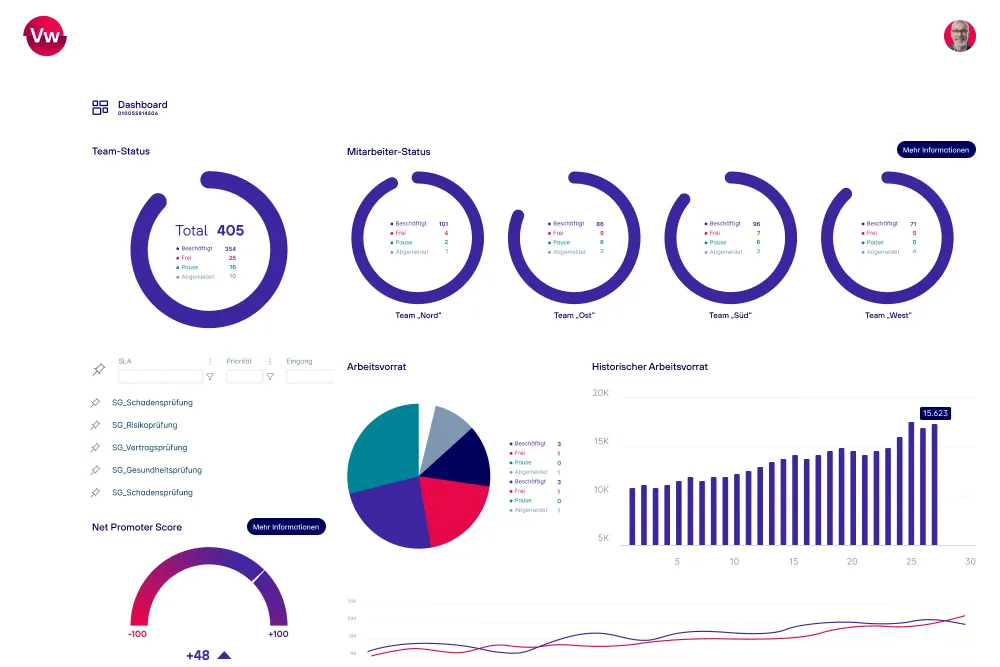








What is Monitoring & Reporting?
All the data you need for clear decisions
Monitoring & Reporting consolidates the real-time status and historical trends of all customer issues into a single system. To achieve this, Dynamic Workload brings together all communication channels and connected systems and analyzes them over time. This is particularly relevant for executives who make operational and strategic decisions based on the same data.

Full Transparency
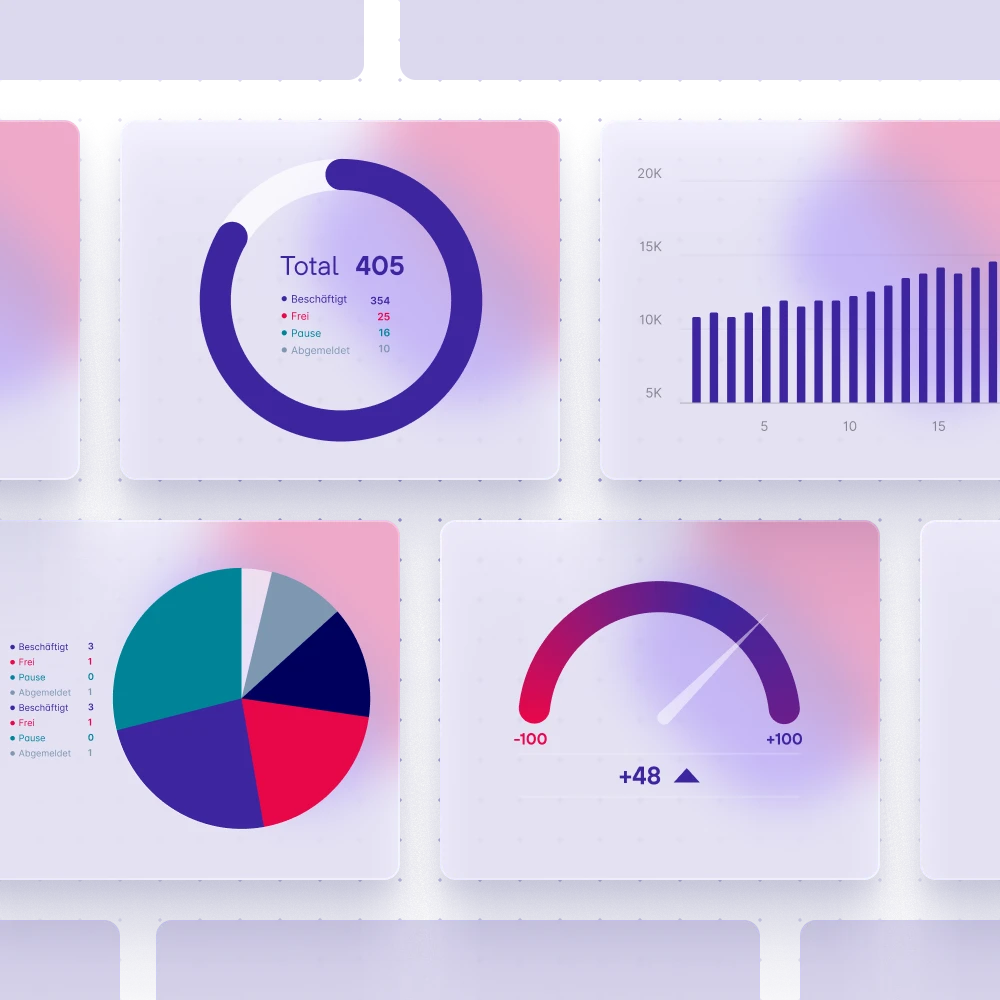
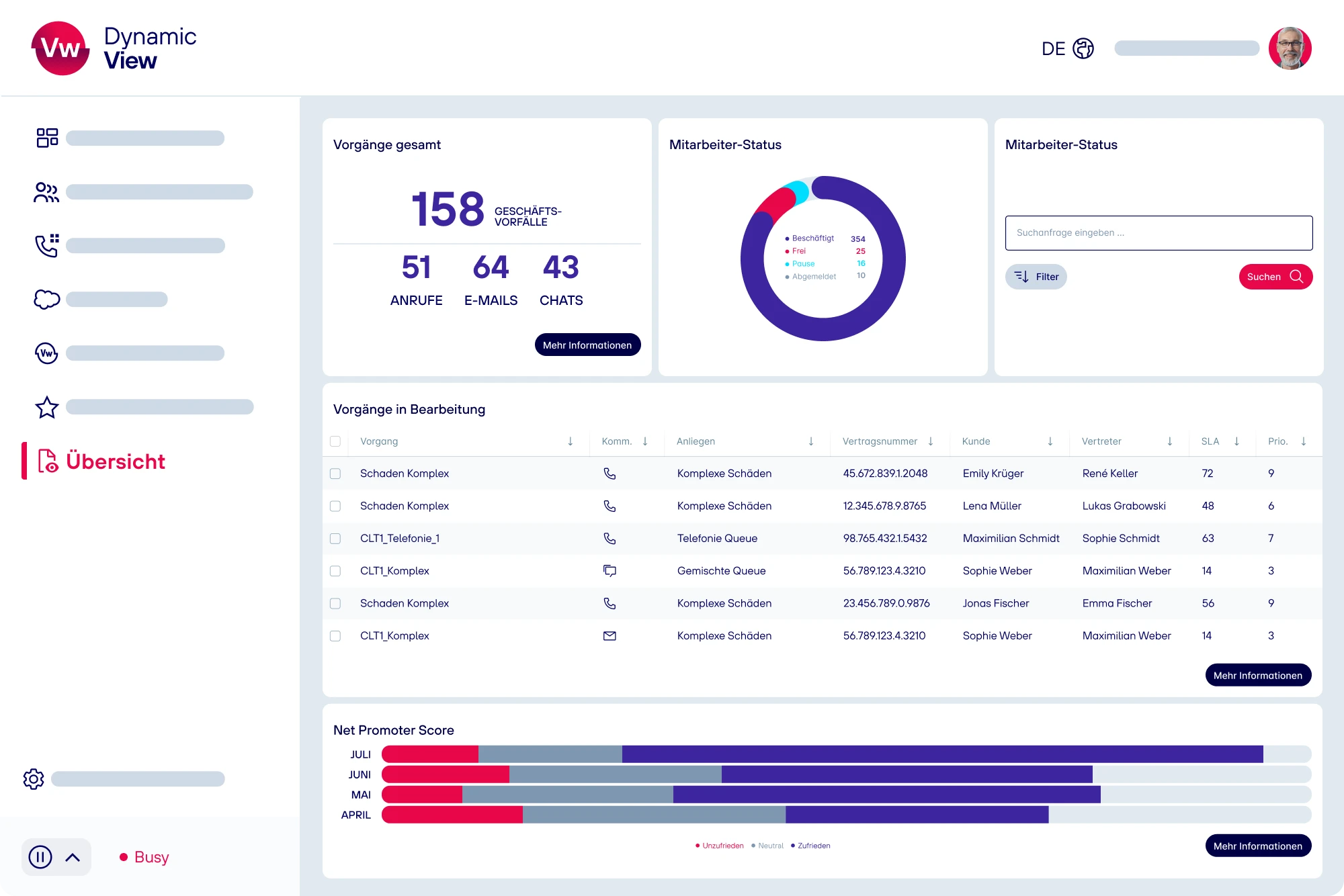
All Channels, One Dashboard, Complete Overview
Whether it's phone calls, chat, email, or traditional mail, Dynamic Workload brings all communication channels together in one central interface. This lets you see at a glance where action is needed and creates a transparent basis for excellent customer service.
Real-Time Monitoring
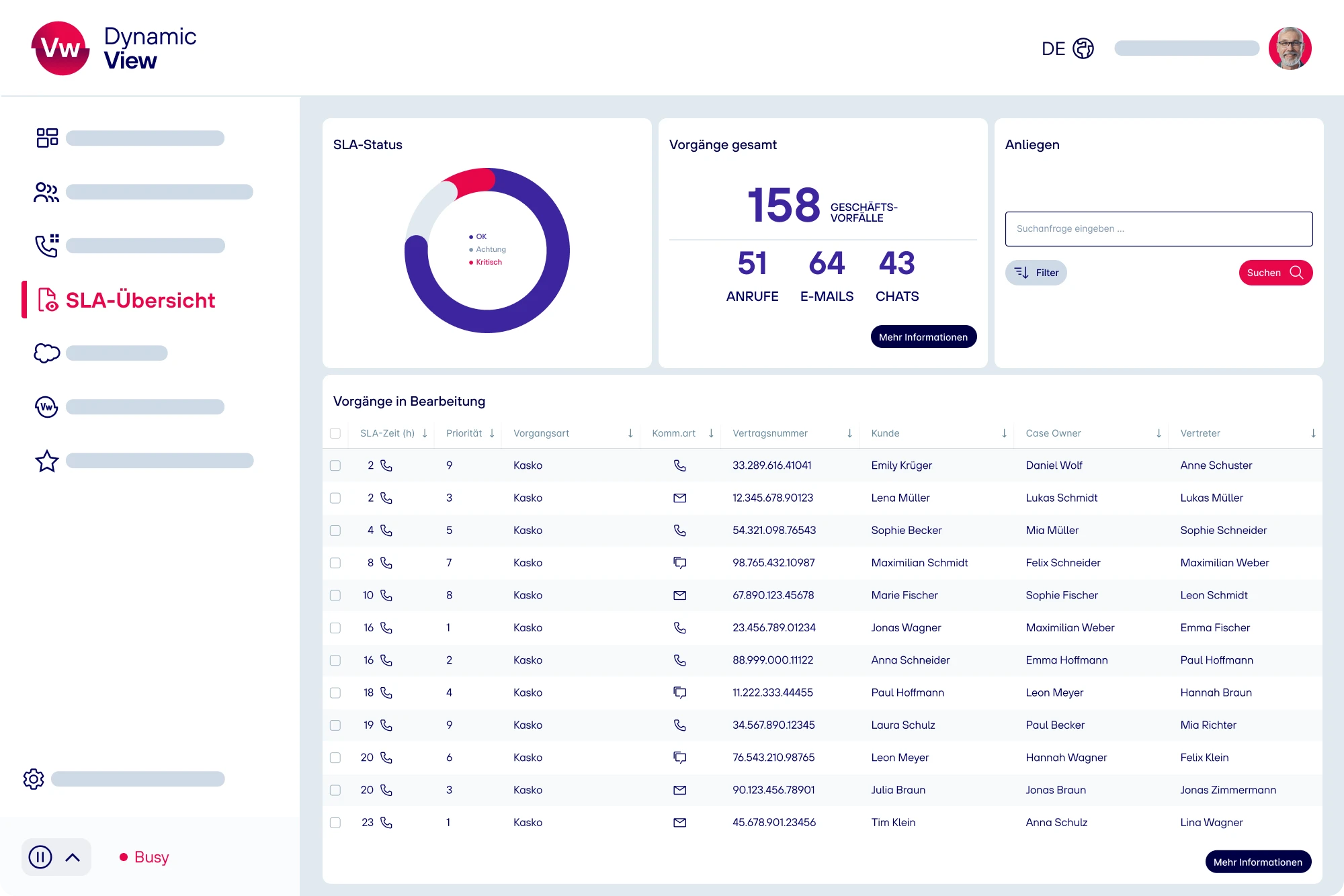
Identify SLA Risks Early
Identify overloads and bottlenecks the moment they arise. The real-time status of all processes shows you at any time where action is needed, so you can intervene before a delay turns into a backlog or a complaint.
Reporting & Analytics
Identifying Trends
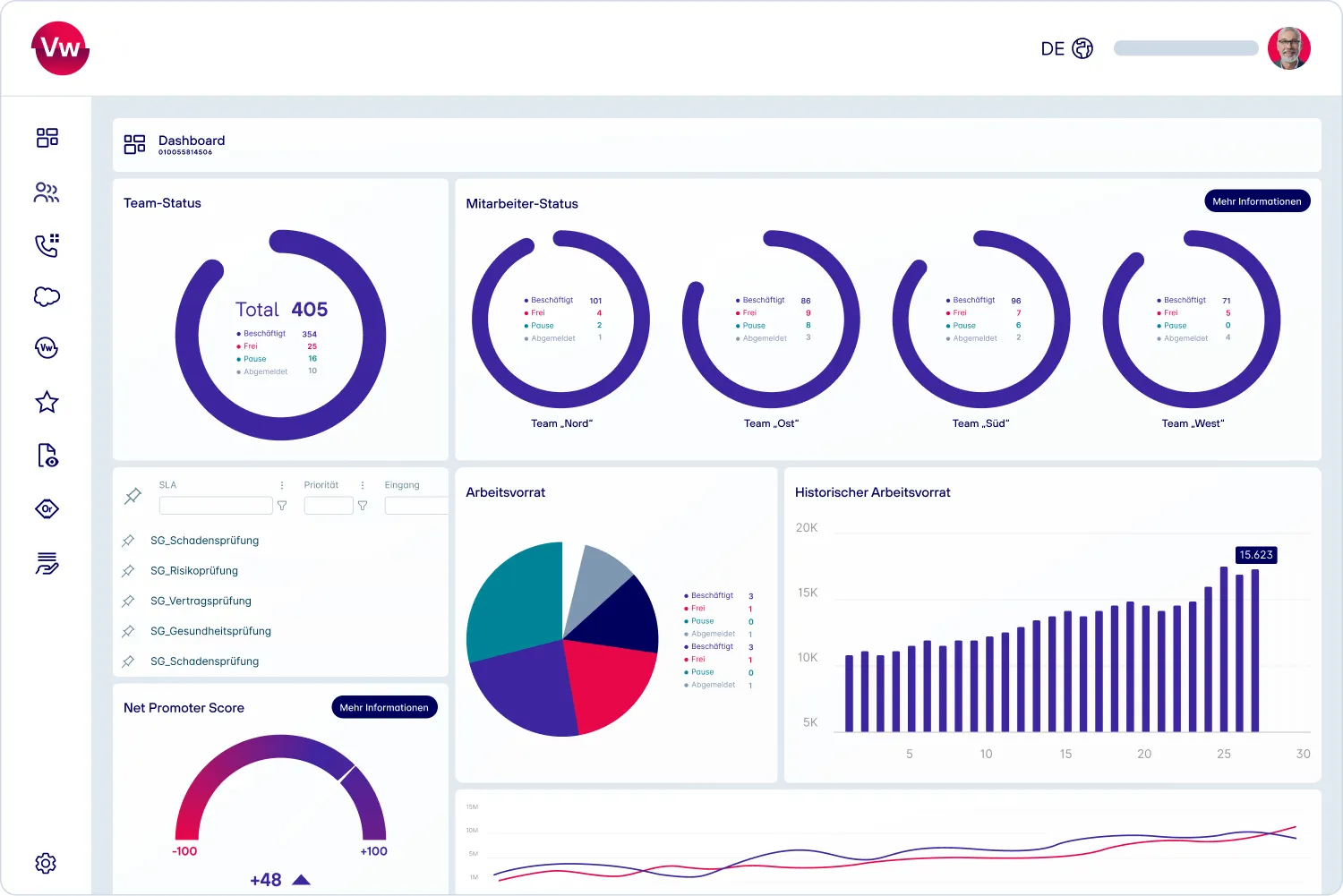
In addition to real-time data, Dynamic Workload provides historical data and comparable time periods for trend analysis. You can identify patterns and root causes that remain hidden in day-to-day operations and use these insights to develop concrete measures for capacity planning and process improvement.
Customization
Everything Important On The Dashboard
Customize your dashboards using drag-and-drop to suit your needs. This way, you'll see exactly the information that's relevant to you.
Location-independent
A Comprehensive Overview From Anywhere
Whether you're in the office, working from home, or on a business trip: As a browser-based application, Dynamic Workload is accessible from any device. This allows you to maintain full control over all processes, no matter where you're working from.

IPD Sovereign Cloud
Secure, reliable, compliant
Dynamic Workload runs on the IPD Sovereign Cloud, which we developed in-house. As a full-stack solution, the platform offers complete independence from hyperscalers as well as full transparency. This allows us to ensure full data control, the highest level of security, and an infrastructure that meets all regulatory requirements.

Seamless Integration
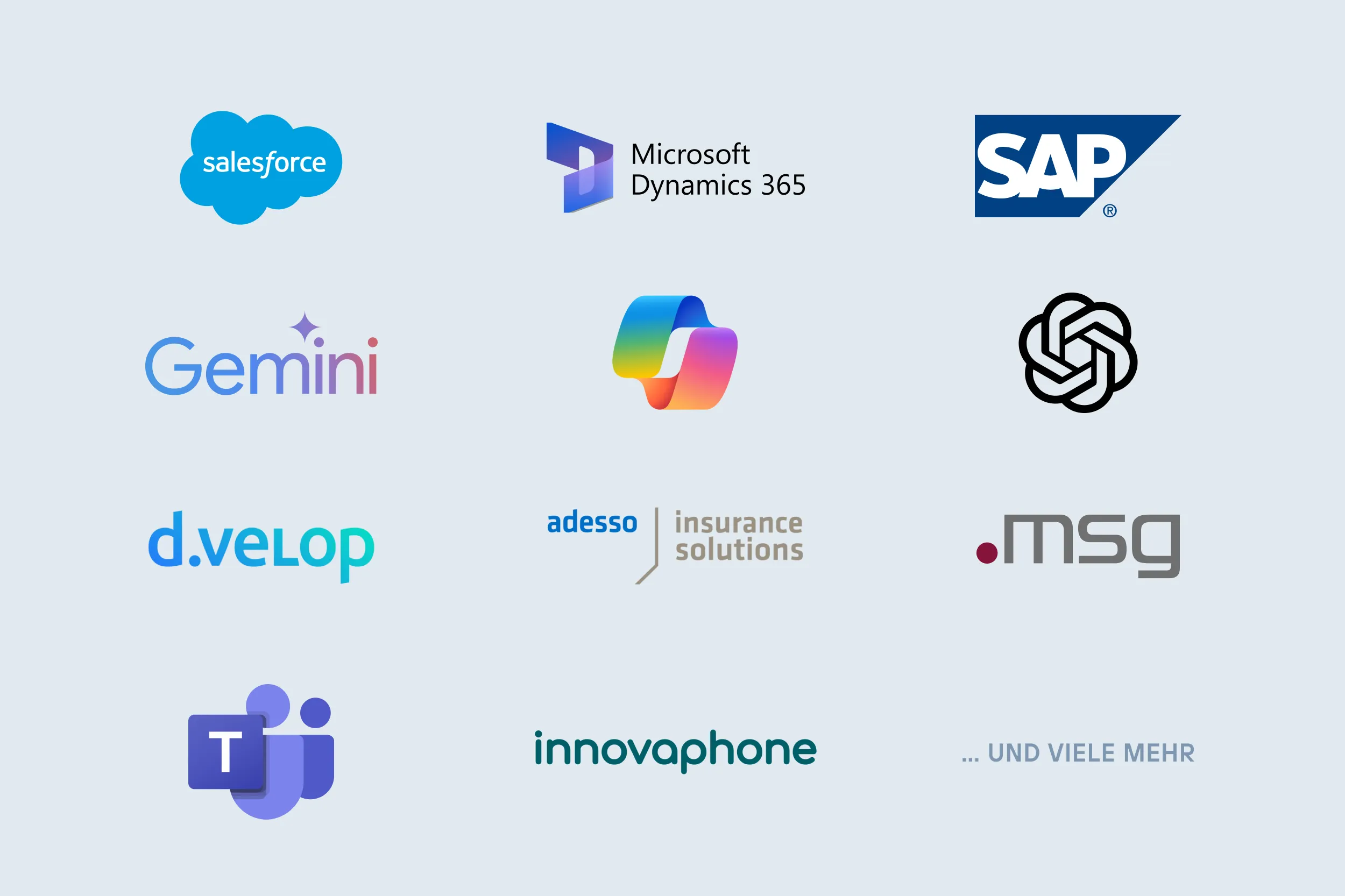
Thanks to powerful API interfaces,
Dynamic Workload adapts flexibly to your existing
IT landscape.
Features at a Glance













Use Cases
Dynamic Workload Solutions



Dynamic Workload live
Discover how you can optimize your customer service with the help of
state-of-the-art technologies and request a no-obligation live demo!
- Boost Your Efficiency
- Take the Pressure Off Your Employees
- Captivate Your Customers

FAQ
Frequently Asked Questions
Real-time monitoring helps identify SLA risks and overloads before they lead to backlogs or complaints. In service-intensive organizations, even a small delay can have noticeable effects on customer satisfaction, processing quality, and employee workload. Especially with fluctuating incoming volumes, seasonal peaks, or short-term outages, a live view of workloads is crucial. This enables managers to reallocate resources more effectively and make data-driven operational decisions.
A dashboard displays current data, whereas reporting evaluates developments, patterns, and causes over time. For operational management, a live dashboard is often sufficient, for instance, to view open tasks or team status. However, for capacity planning, process improvement, and management decisions, historical comparisons, trend analyses, and reliable key figures are essential.
Centralized monitoring becomes beneficial once customer inquiries are received through multiple channels and teams need to be managed cross-channel. Common triggers include growing backlogs, inexplicable SLA violations, or uneven workload distribution among teams. In many organizations, operational issues stem not from a lack of data, but from fragmented data sources. A centralized view reduces coordination efforts and makes priorities more quickly identifiable for leadership.
Insurance companies should structure their reporting not just by intake channels, but also by business processes, deadlines, and risk categories. A claim, a contract amendment, or a complaint each have different urgencies and regulatory requirements. Therefore, meaningful reports consider processing status, department, priority, escalation level, and SLA relevance. Furthermore, clean data quality is crucial. Unclear status values or manual shadow lists can quickly lead to incorrect management decisions.
Monitoring & Reporting improve service quality by making bottlenecks, backlogs, and quality risks visible early on. This enables managers to prioritize tasks, alleviate team workload, and manage critical processes promptly. Measurable effects often include shorter processing times, more stable service levels, reduced backlogs, and improved predictability.